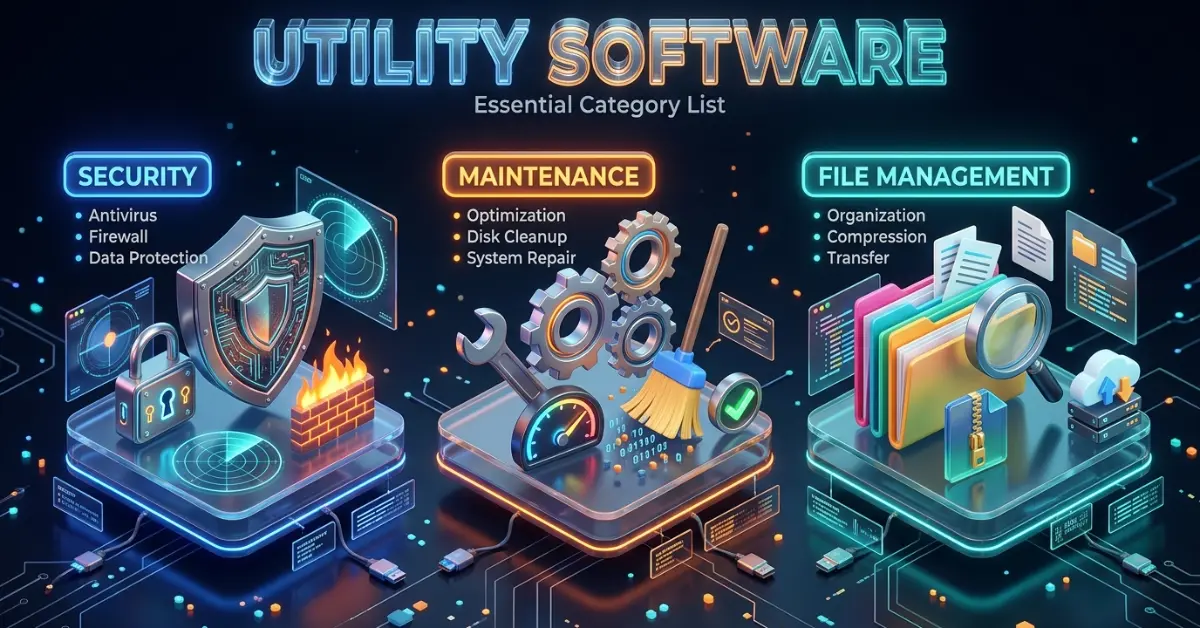
A Utility Software List, Helps you find useful tools that keep your computer safe, clean, and working properly. These tools can protect your computer from viruses, remove unwanted files, recover lost data, and manage storage space. Some utility programs come with your operating system, while others can be downloaded when needed. In this article, you will discover 20 useful utility software tools, learn what they do, and understand how to choose the right ones for your computer.
What Is Utility Software?
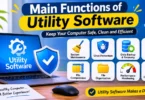
Utility software is a type of computer program that helps keep a computer safe, clean, and working well. It helps users manage files, remove unwanted data, protect against viruses, and solve common computer problems. For example, antivirus software protects a computer from harmful programs, while backup software saves copies of important files. Some utility tools come built into the operating system, while others can be installed separately. These tools make computer maintenance easier and help users keep their devices in good condition.
Utility Software List
Utility software helps protect, clean, manage, and maintain your computer. Here are 20 useful utility software tools:
- Microsoft Defender Antivirus
- Windows Firewall
- Windows Storage Sense
- Disk Cleanup
- Disk Management
- Optimize Drives
- Windows Backup
- File History
- 7-Zip
- WinRAR
- Recuva
- File Explorer
- Task Manager
- Resource Monitor
- Microsoft PowerToys
- Autoruns
- System File Checker (SFC)
- Windows Memory Diagnostic
- macOS Disk Utility
- Apple Time Machine
These utility tools help users manage computer tasks, protect important data, and maintain system performance.
Types of Utility Software
Utility software has different types, and each type performs a specific computer task.
Antivirus and Security Utilities
Antivirus and security utilities help protect computers from viruses, malware, and other online threats. They scan files, block harmful programs, and help keep personal information safe. Examples include Microsoft Defender Antivirus, Avast Antivirus, and Windows Firewall. These tools help users browse the internet safely and protect their important data.
Disk Management Utilities
Disk management utilities help users organize, check, and manage the storage drives on their computers. These tools allow users to create or delete partitions, check disk health, format drives, and manage available storage space.
File Management Utilities
File Management Utilities help users organize, copy, move, rename, and delete files and folders. Examples include File Explorer, Finder, and Files by Google. These tools make it easier to find files and keep data organized.
Backup and Recovery Utilities
Backup and Recovery Utilities help users create copies of important files and restore lost or damaged data. Examples include Windows Backup, Apple Time Machine, and File History. These tools help protect valuable data from accidental deletion or system problems.
File Compression Utilities
File Compression Utilities reduce file sizes to save storage space and make sharing files easier. Examples include 7-Zip, WinRAR, and PeaZip. These tools can also combine multiple files into one archive for convenient storage and transfer.
System Optimization Utilities
System Optimization Utilities help improve computer performance by managing system resources and removing unnecessary files. Examples include Windows Storage Sense and Optimize Drives. These tools help maintain system performance and manage storage efficiently.
Network Utilities
Network Utilities help users check, manage, and troubleshoot network connections. Examples include Ping, Traceroute, and Wireshark. These tools help identify connection problems and monitor network activity.
Data Encryption Utilities
Data Encryption Utilities protect sensitive information by converting it into a coded format that unauthorized people cannot easily read. Examples include BitLocker, VeraCrypt, and FileVault. These tools help keep personal files and important data secure.
File Recovery Utilities
File Recovery Utilities help users restore deleted or lost files from computers and storage devices. Examples include Recuva and PhotoRec. These tools can recover documents, photos, and other files when recovery is still possible.
System Monitoring Utilities
System Monitoring Utilities help users check computer performance, memory usage, CPU activity, and running programs. Examples include Task Manager and Resource Monitor. These tools help identify performance problems and keep the computer running smoothly.
These utility software types help keep computers secure, organized, and running smoothly.
How to Choose the Right Utility Software
Choosing the right utility software helps you solve computer problems and keep your device working well.
- Identify Your Needs: Choose software that solves your specific problem.
- Check Compatibility: Make sure it works with your operating system.
- Choose Trusted Software: Download tools from official websites.
- Compare Features: Look for useful features that match your needs.
- Check the Price: Decide whether you need a free or paid tool.
- Read User Reviews: Check feedback from other users.
- Consider Ease of Use: Select software that is simple to understand.
- Check Security: Avoid tools from unknown or unsafe sources.
- Review Updates: Choose software that receives regular security updates.
- Avoid Unnecessary Tools: Install only the utilities you really need.
Choosing suitable utility software can help you protect your computer, save time, and manage common tasks more easily.
Common FAQs About Utility Software List
Here are Some Faqs of Utility Software List:
Can utility software work without an internet connection?
Yes, many utility programs can work offline, such as Disk Cleanup and Disk Management, although some features may require internet access.
Can utility software damage my computer?
Yes, if used incorrectly, some tools may delete important files or change system settings, so always use them carefully.
How often should I use utility software?
It depends on the tool; you can check storage regularly, while backup and security tools should follow a consistent schedule.
Can I use two antivirus programs on one computer?
It is usually best to use one real time antivirus program because two can conflict and slow down your computer.
Does utility software need regular updates?
Yes, updates can fix bugs, improve compatibility, and protect against new security threats.
Can utility software recover permanently deleted files?
Some recovery tools may restore deleted files, but success is not guaranteed, especially if new data has overwritten them.
Is it safe to use free utility software?
Yes, many free tools are safe when downloaded from trusted official sources, but avoid suspicious installers and unwanted extra programs.
Can utility software help extend a computer’s life?
Yes, suitable maintenance, security, and backup tools can help prevent some problems and protect important data, although they cannot prevent every hardware failure.
Conclusion
A utility software list helps users find the right tools to maintain their computers and manage everyday tasks. From file recovery and data backup to system monitoring and security, each utility has a specific purpose. Choosing trusted software, keeping it updated, and using it correctly can help protect your data and improve your computer experience. Always select tools that meet your needs and download them from official sources for safer and more reliable use.