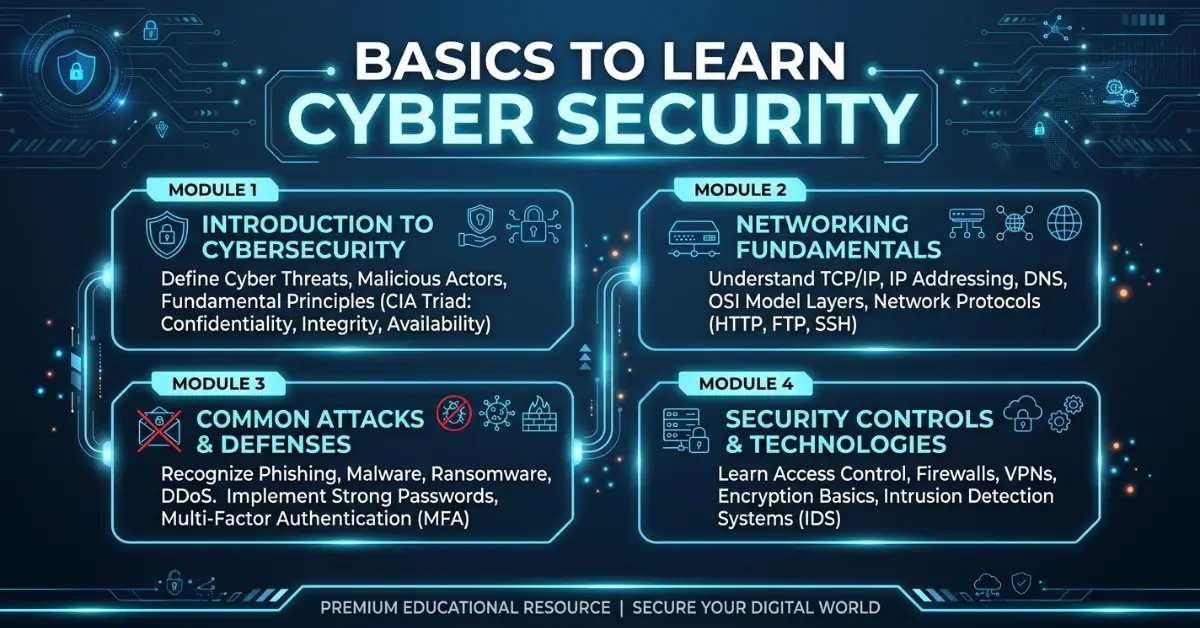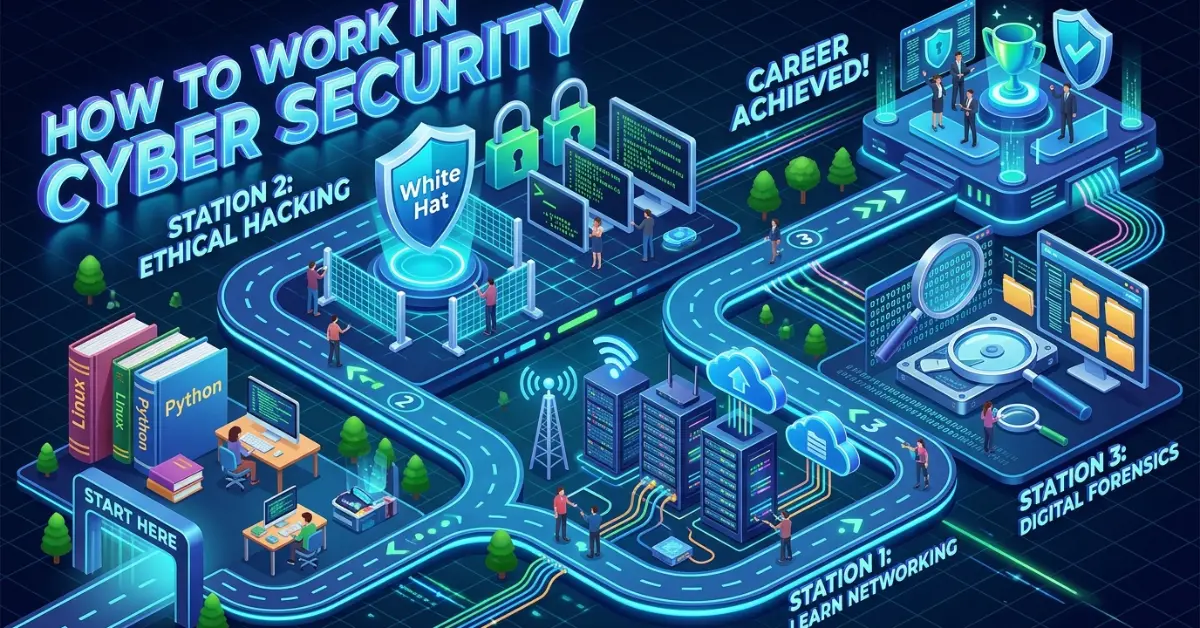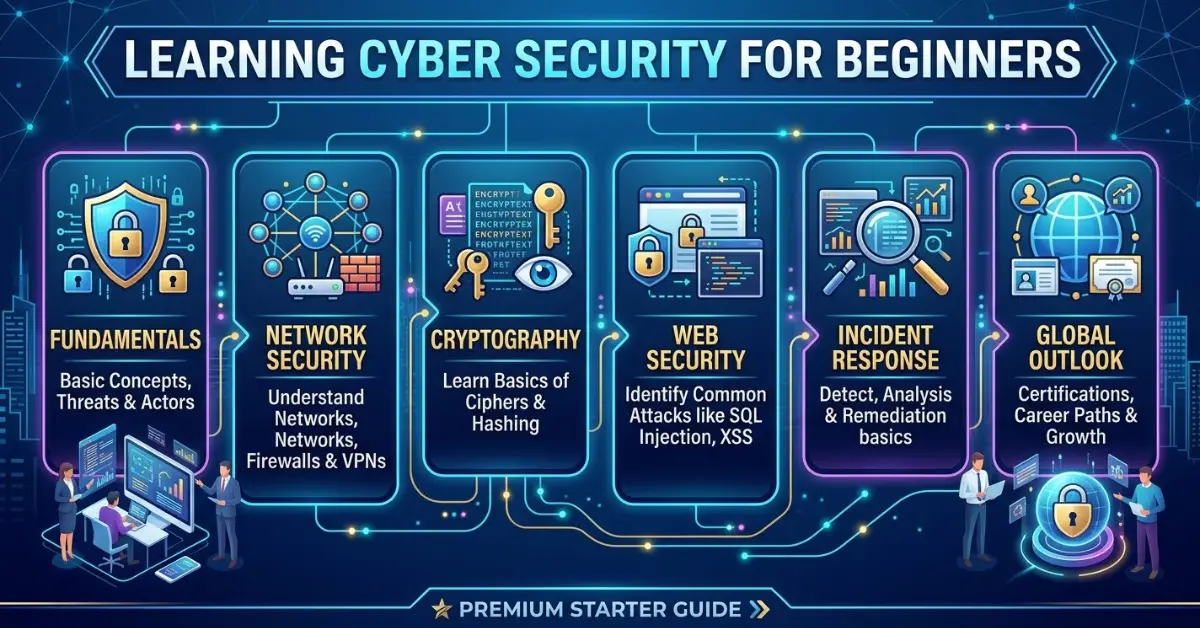
The Different Parts of Cyber Security, Help protect computers, mobile phones, networks, and personal information from online threats. Today, people use the internet for learning, shopping, banking, and communication, so keeping digital information safe is more important than ever. Cyber security includes several areas, such as network security, application security, data security, cloud security, and endpoint security. Each part has a special role in preventing cyber attacks and protecting important information. You will learn about the main parts of cyber security, how they work, and how they help keep you safe online.
The Main Parts of Cyber Security
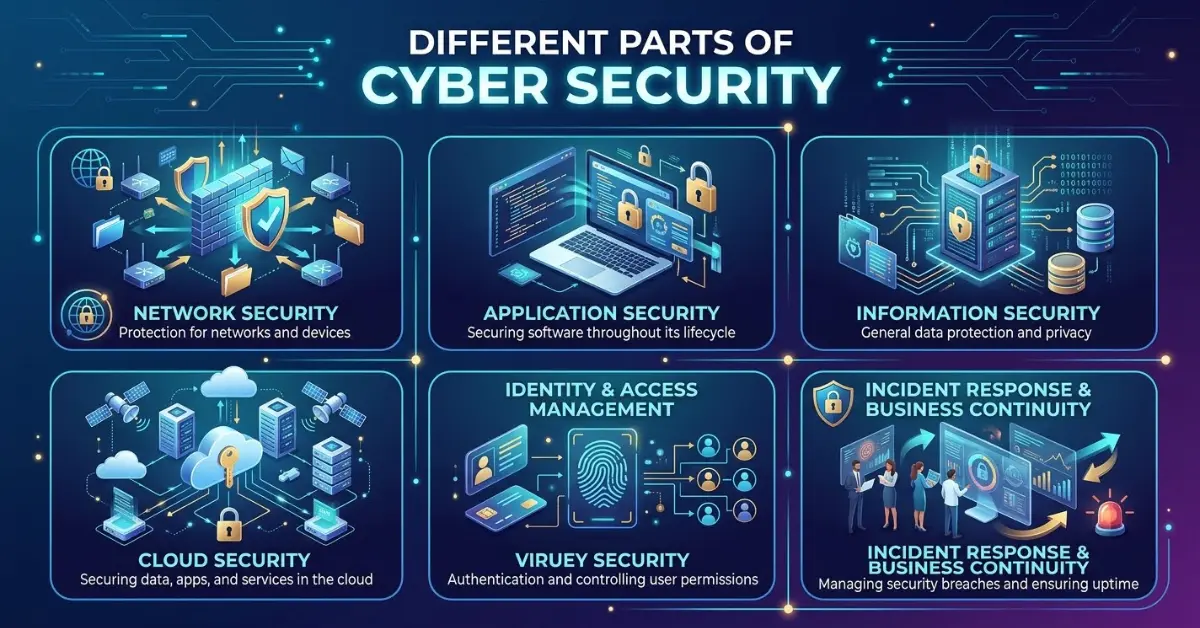
The main parts of cyber security help protect computers, mobile phones, networks, websites, and important information from online threats. Each part has a different role, but they work together to keep people and businesses safe. Below are the main parts of cyber security, how they work, and examples from daily life.
Network Security
Network security protects connections between computers, mobile phones, servers, and other devices. It helps prevent hackers and unauthorized users from entering private networks.
How Network Security Works
Network security uses firewalls, secure Wi-Fi settings, and monitoring tools to check network traffic and block suspicious activity. It also helps protect information shared between connected devices.
Example of Network Security
A school uses a firewall to stop unknown users from accessing its computer network. This helps protect student records and other important information.
Application Security
Application security protects software, mobile apps, and websites from security weaknesses. It helps developers create safer applications that protect users and their information.
How Application Security Works
Developers test applications, fix security problems, update software, and use secure login systems. These steps help reduce the risk of cyber attacks.
Example of Application Security
A banking app uses secure login methods and regular security testing to help protect customers’ accounts from unauthorized access.
Information and Data Security
Information and data security protects important information from being stolen, changed, lost, or viewed by unauthorized people. This information may include passwords, personal details, photos, and financial records.
How Information and Data Security Works
It uses encryption, access permissions, and secure backups to protect information. Encryption changes data into a form that unauthorized people cannot easily read.
Example of Information and Data Security
A hospital protects patient records in a secure system and allows only approved staff members to access them.
Endpoint Security
Endpoint security protects devices connected to a network. These devices include computers, laptops, smartphones, and tablets. Attackers may target them with viruses, malware, and other threats.
How Endpoint Security Works
Endpoint security uses antivirus software, security updates, and monitoring tools to detect and reduce threats. It can also block harmful files and alert users about suspicious activity.
Example of Endpoint Security
A company installs endpoint protection software on employees’ laptops. If the software detects a harmful file, it can block the file or alert the security team.
Cloud Security
Cloud security protects data, applications, and services stored or used through the internet. People and businesses use cloud platforms to save files, share documents, and run applications.
How Cloud Security Works
Cloud security uses strong passwords, multi-factor authentication, encryption, and access controls. These methods help prevent unauthorized users from accessing cloud accounts and files.
Example of Cloud Security
A student stores school assignments in cloud storage and enables multi-factor authentication to make the account more secure.
Identity and Access Management (IAM)
Identity and Access Management, also called IAM, controls who can access digital systems and information. It helps ensure that each person has permission to use only the resources they need.
How Identity and Access Management Works
IAM uses usernames, passwords, multi-factor authentication, and user permissions. It can give different access rights to people based on their roles.
Example of Identity and Access Management
In an office, an accountant can access financial records, while another employee can access only general company documents. This helps protect sensitive information.
Operational Security
Operational security protects important information through safe working practices and clear security rules. It focuses on how people handle, store, share, and access information during daily activities.
How Operational Security Works
Organizations identify sensitive information, limit access, create safe data-handling procedures, and review security practices regularly.
Example of Operational Security
A company asks employees to lock their computers when leaving their desks and avoid sharing confidential files with unauthorized people.
Mobile Security
Mobile security protects smartphones and tablets from cyber threats. These devices often contain personal photos, emails, banking details, and other private information.
How Mobile Security Works
Mobile security uses screen locks, app permission controls, security updates, device encryption, and tools that help locate or erase lost devices.
Example of Mobile Security
A person protects a smartphone with a fingerprint lock and installs apps only from trusted app stores. These steps help reduce the risk of unauthorized access.
Internet of Things (IoT) Security
Internet of Things (IoT) security protects everyday devices that connect to the internet. These devices include smart TVs, security cameras, smart watches, and home assistants.
How Internet of Things Security Works
IoT security uses strong passwords, regular updates, secure Wi-Fi connections, and restricted network access. These steps help prevent attackers from taking control of connected devices.
Example of Internet of Things Security
A family changes the default password on its smart security camera and updates the software to reduce the risk of unauthorized access.
Critical Infrastructure Security
Critical infrastructure security protects important systems that people depend on every day. These systems include electricity networks, water supplies, hospitals, and transport systems.
How Critical Infrastructure Security Works
Security teams monitor systems, control access, apply security updates, and prepare backup and recovery plans. These steps help reduce the risk of cyber attacks that could interrupt essential services.
Example of Critical Infrastructure Security
An electricity provider uses access controls and security monitoring to help protect the computer systems that support its power network.
When these parts work together, they help reduce security risks, protect private information, and make digital services safer for everyone.
Essential Cyber Security Tools for Beginners
Cyber security tools help beginners protect their computers, secure personal information, and identify online threats.
- Microsoft Defender Antivirus
- Firewall
- Bitwarden
- 1Password
- Multi Factor Authentication (MFA)
- Wireshark
- Nmap
- VirtualBox
- Burp Suite Community Edition
- Kali Linux
- Have I Been Pwned
- OWASP Juice Shop
- Backup Tools
Beginners can start with basic tools such as antivirus software, a firewall, and a password manager, then gradually explore network analysis and security testing tools in safe, authorized practice environments.
Common FAQs About Different Parts of Cyber Security
Here are Some FAQs of Different Parts of Cyber Security:
What Is the Difference Between Cyber Security and Information Security?
Cyber security focuses on protecting digital systems from online threats, while information security protects information in both digital and physical forms.
What Is Security Awareness in Cyber Security?
Security awareness teaches people how to recognize online risks, avoid scams, and follow safe practices when using digital devices and services.
What Is Incident Response in Cyber Security?
Incident response is the process of identifying, managing, and recovering from security incidents. It helps organizations reduce damage and restore normal operations.
What Is Vulnerability Management?
Vulnerability management involves finding, assessing, and fixing security weaknesses in software, devices, and computer systems before attackers can exploit them.
What Is Email Security?
Email security protects email accounts and messages from spam, phishing, malicious attachments, and unauthorized access through filtering and authentication methods.
What Is Disaster Recovery in Cyber Security?
Disaster recovery focuses on restoring systems, applications, and data after a serious event, such as a cyber attack, system failure, or major outage.
What Is Security Information and Event Management (SIEM)?
SIEM is a security technology that collects and analyzes activity logs from different systems to help security teams detect suspicious behavior and investigate threats.
What Is Zero Trust Security?
Zero Trust is a security approach that requires users and devices to prove they are trustworthy before accessing resources.
Conclusion
Understanding the different parts of cyber security helps beginners learn how digital systems stay safe from online threats. Each area plays an important role in protecting devices, networks, applications, and sensitive information. By learning about these security areas, following safe online practices, and staying updated with new technologies, anyone can build better cyber security skills. Start with the basics, practice regularly, and continue learning to protect yourself and others in the digital world.